The member registration process
The ability for ARPCE members to register an account with the site is intrinsic in granting them access to the RPCE journal. Here you will find an overview of the process and what you need to do in order to approve a member’s account.
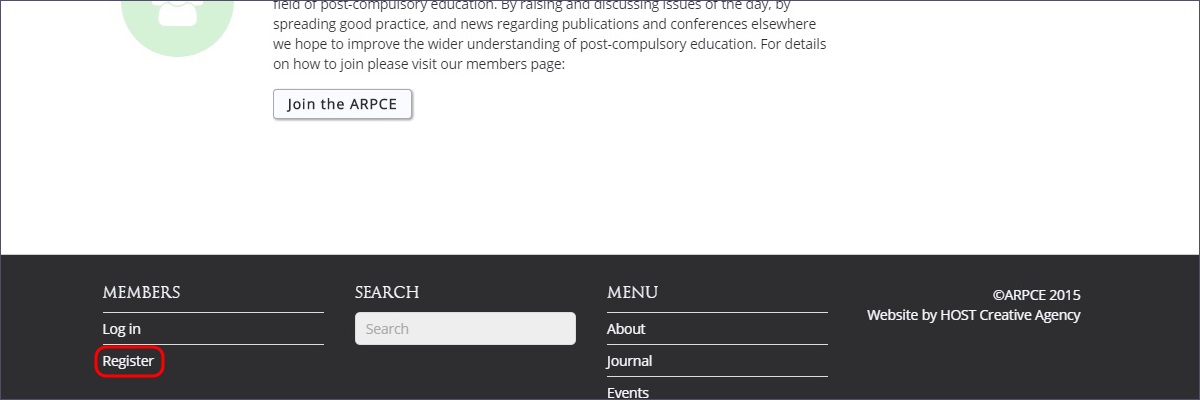
New users can follow the Register link from the Members page or from the website footer, anywhere in the site:

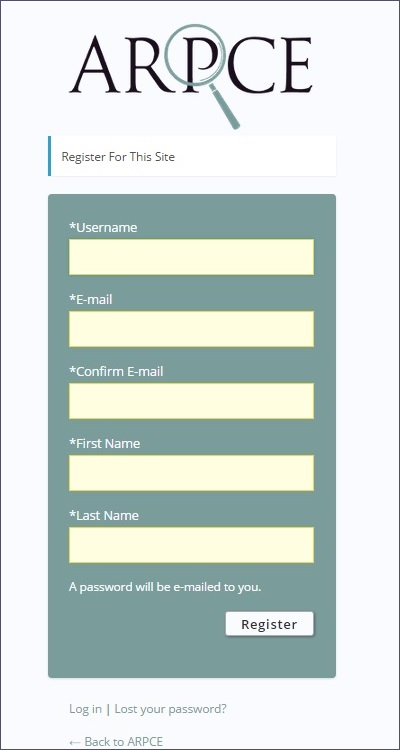
The form is self explanatory and once completed the user hits Register
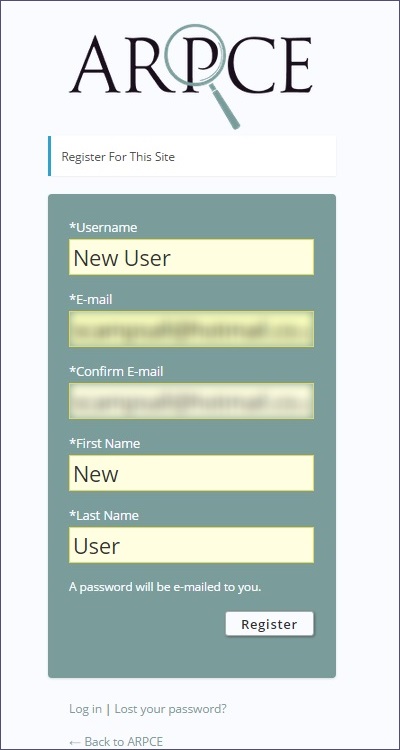
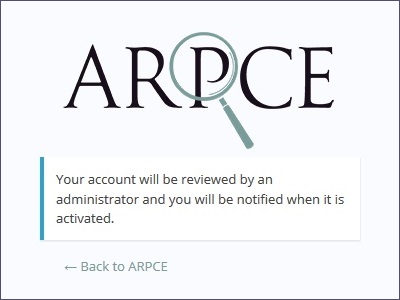
On doing so, they are presented with the following message:
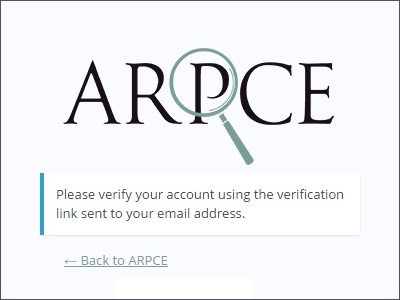
They will receive the following message with a link to verify their account. This confirms the validity of their details and email address without any action required by you.

Once users click the link in the email, they will be shown the following message in their browser. This confirms that their email address has been verified and they must await their account to be authorised by an administrator
Now that the prospective member has verified their details you will receive an email notifying you of their registration.

At this point you will need to take action to approve their account. Login to the site and navigate to Users > Unverified Users
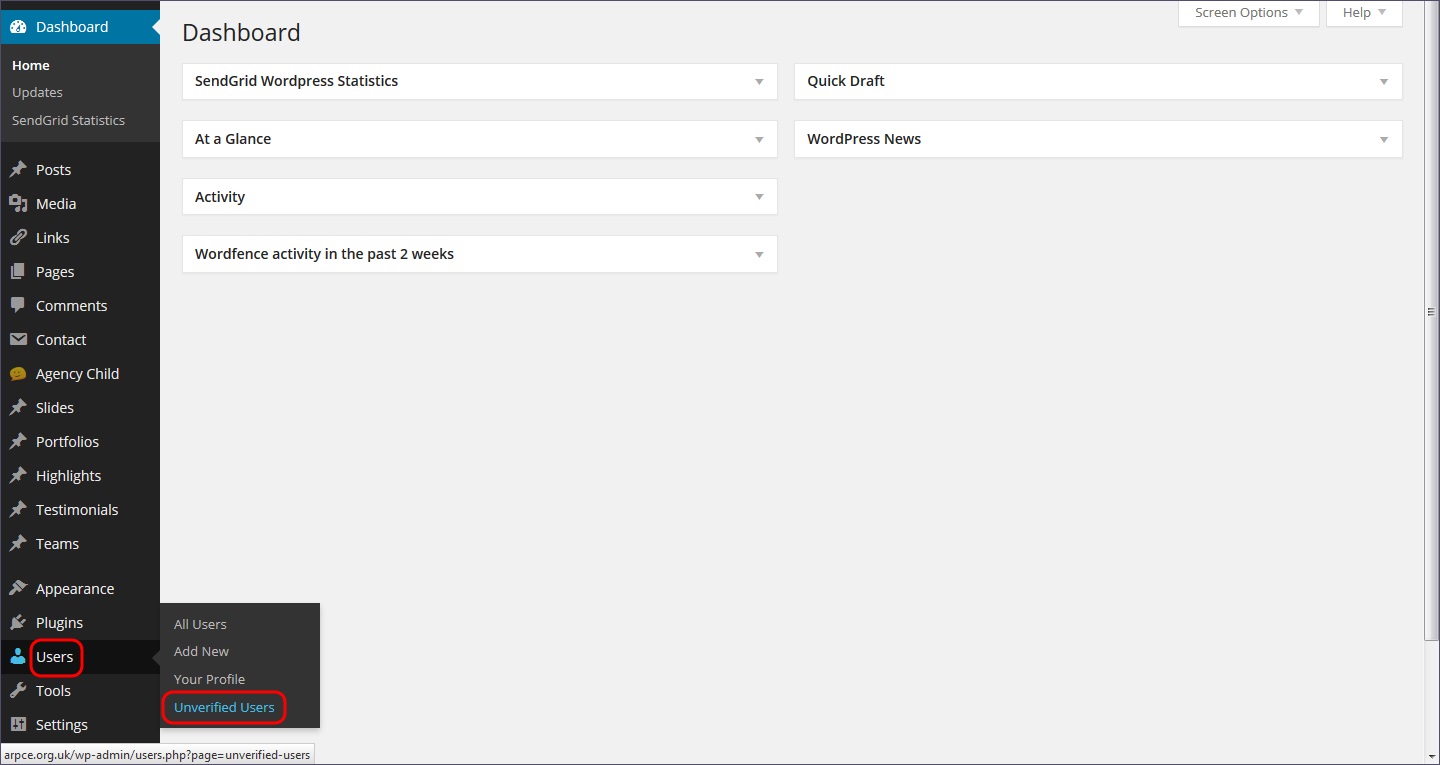
Here you will see details for all users currently awaiting account authorisation with details on their registration process:
Registered - the date and time that they registered with the site
Verification sent - the date and time that the verification email was sent to them
Verified - the date and time that the user verified their email address
You should ensure that there is a date and time in the Verified field before authorising a new user.
To check all information supplied by the user click on their Username to view their profile - if you are unsure who a new user is this will allow you to look up their contact details and contact them directly prior to authorisation.
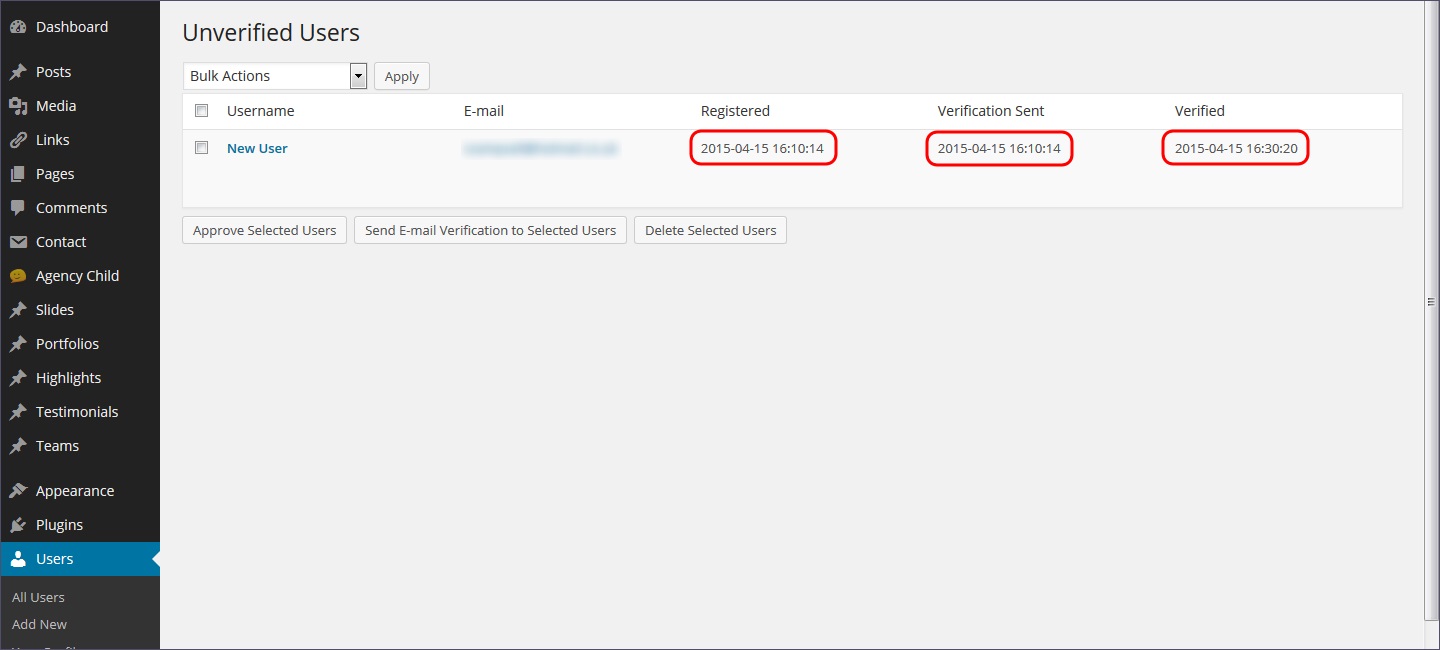
When you are satisfied that you wish to authorise the new account, select the checkbox next to the Username and hit Approve Selected Users

You will be given the message ‘Users approved’ and the selected users will be removed from the Unverified Users screen.

If you navigate to Users > All Users you will find your new users details listed along with those of all other registered site users

At this point the new user will receive an email confirming their account authorisation and providing a reminder of their selected Username along with a Password
